When your form was set-up with LeasePilot, we may have learned that sometimes you need to copy and paste in large portions of text that could be formatted in a number of different ways. To give you the flexibility to add and format that language when needed, LeasePilot added our Advanced Edit functionality to your form.
Note: not all forms in LeasePilot will contain this.
Using Advanced Edit
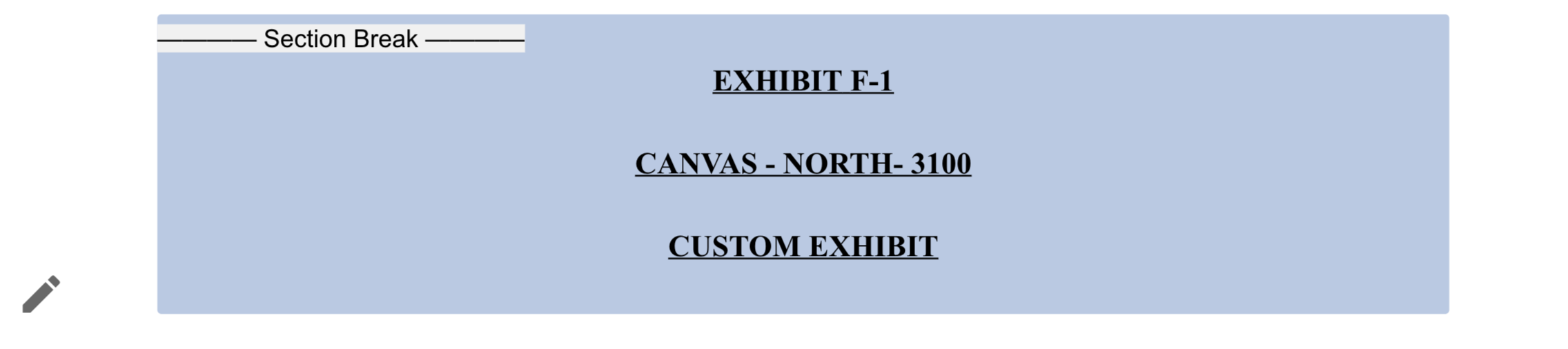
Select the  icon in your form.
A pop-up window will then appear:
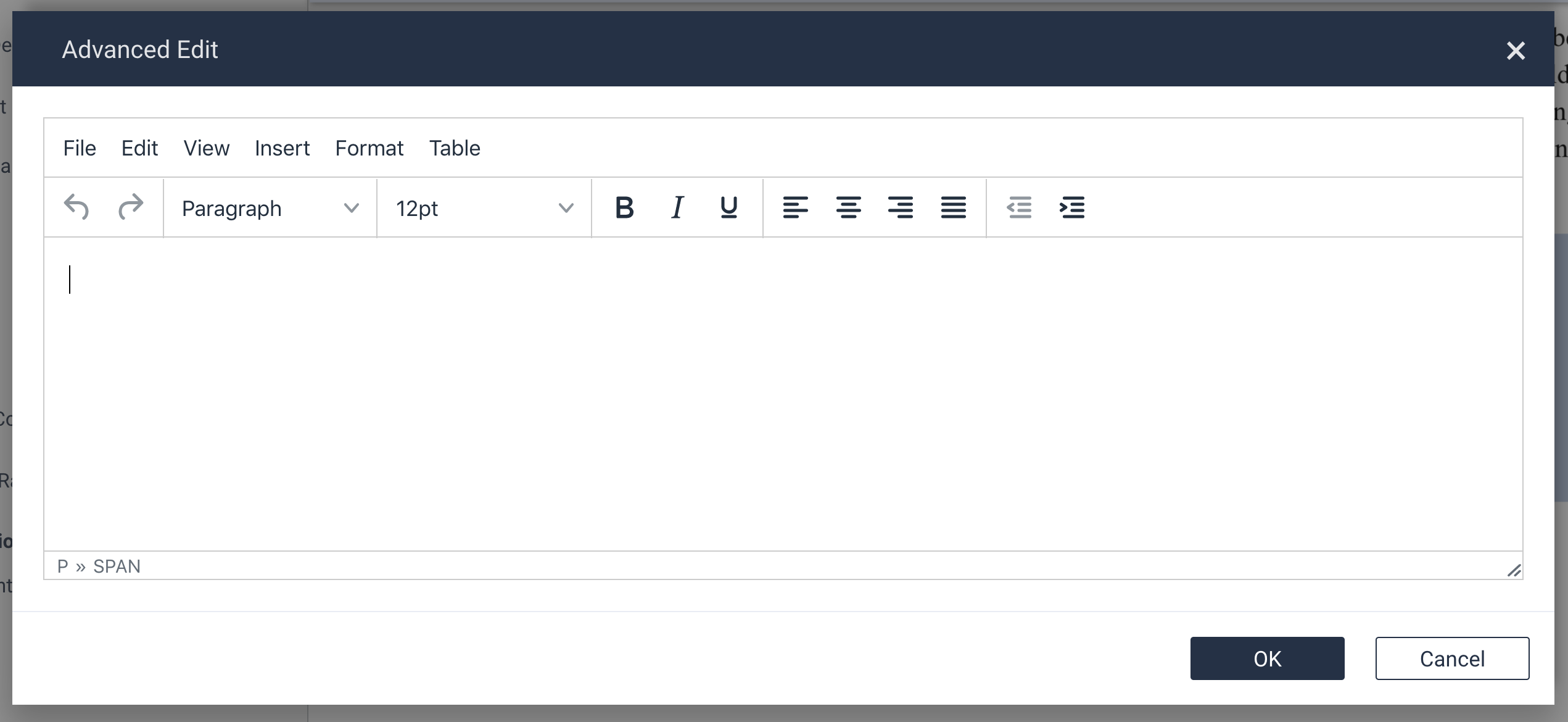
You can copy and paste language such as bulleted lists, numbered lists, images, etc. right into this window. Use the formatting tools within the Advanced Edit window to ensure your language appears as desired.
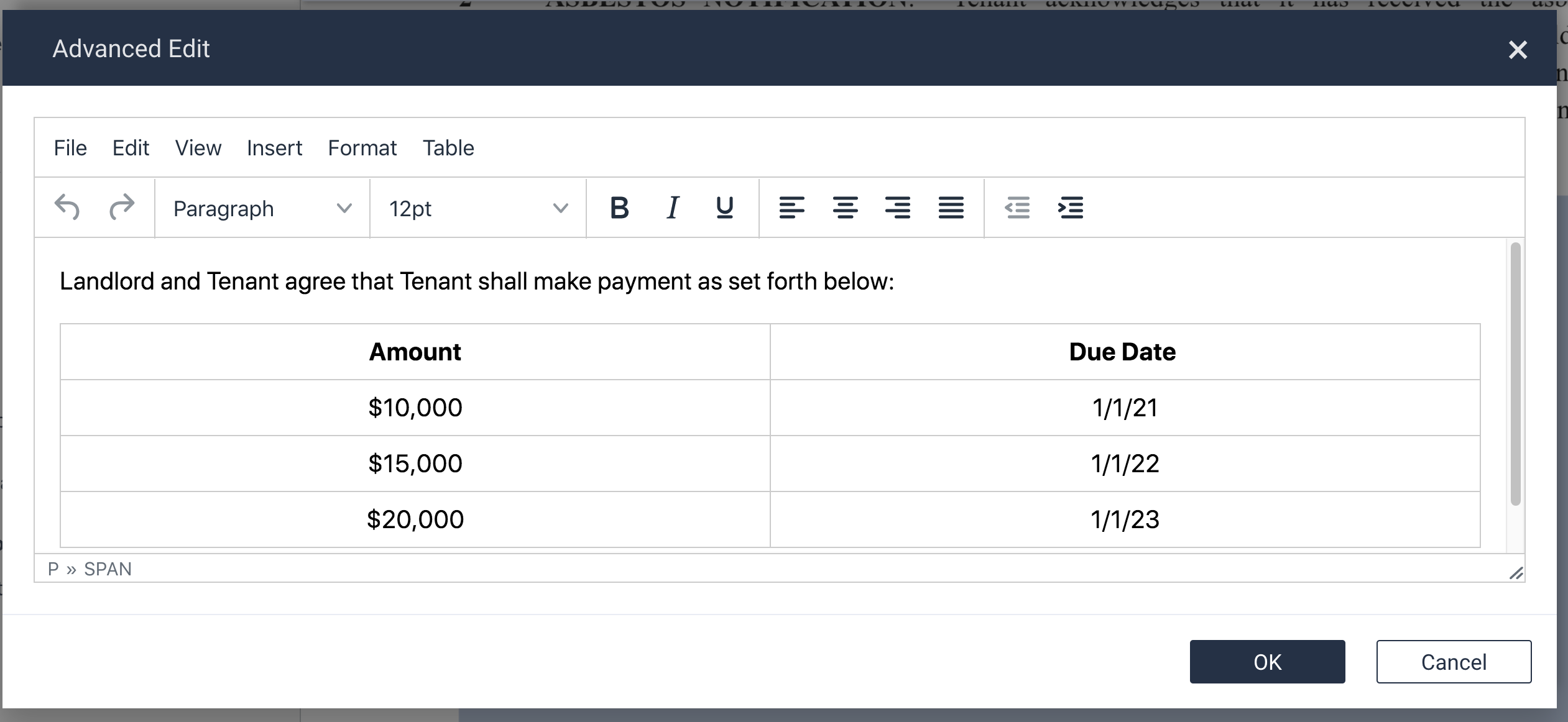
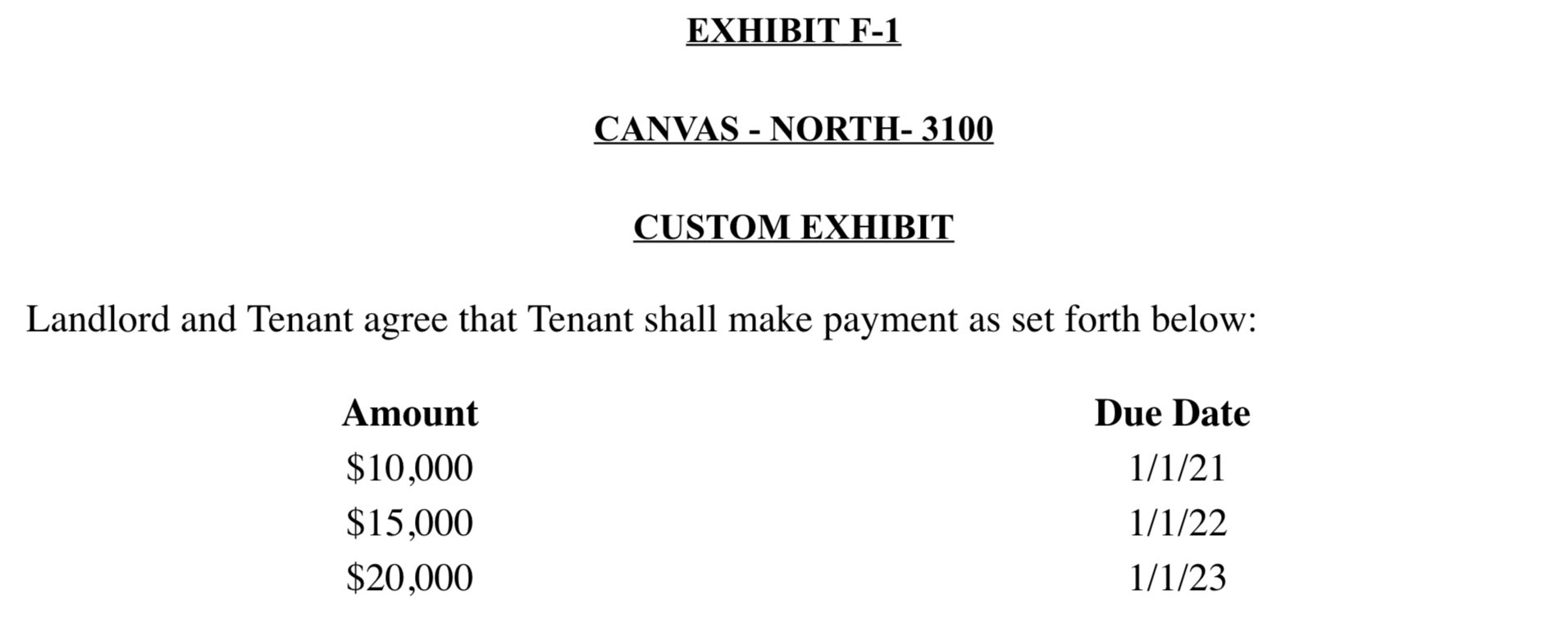
Select OK when you are done and your language will be inserted directly into your document and will appear consistent with the formatting of your document (e.g., correct font, size, etc.)
Note: when copying and pasting certain text into the Advanced Edit window, you may receive a message asking whether you wish to Keep Formatting or Discard Formatting. You will select Keep Formatting.
Comments
0 comments
Please sign in to leave a comment.