You have the option to download a blank form for of your assets from the LeasePilot Dashboard. To start, find the Download Blank Form icon in the top right of your dashboard as shown below.
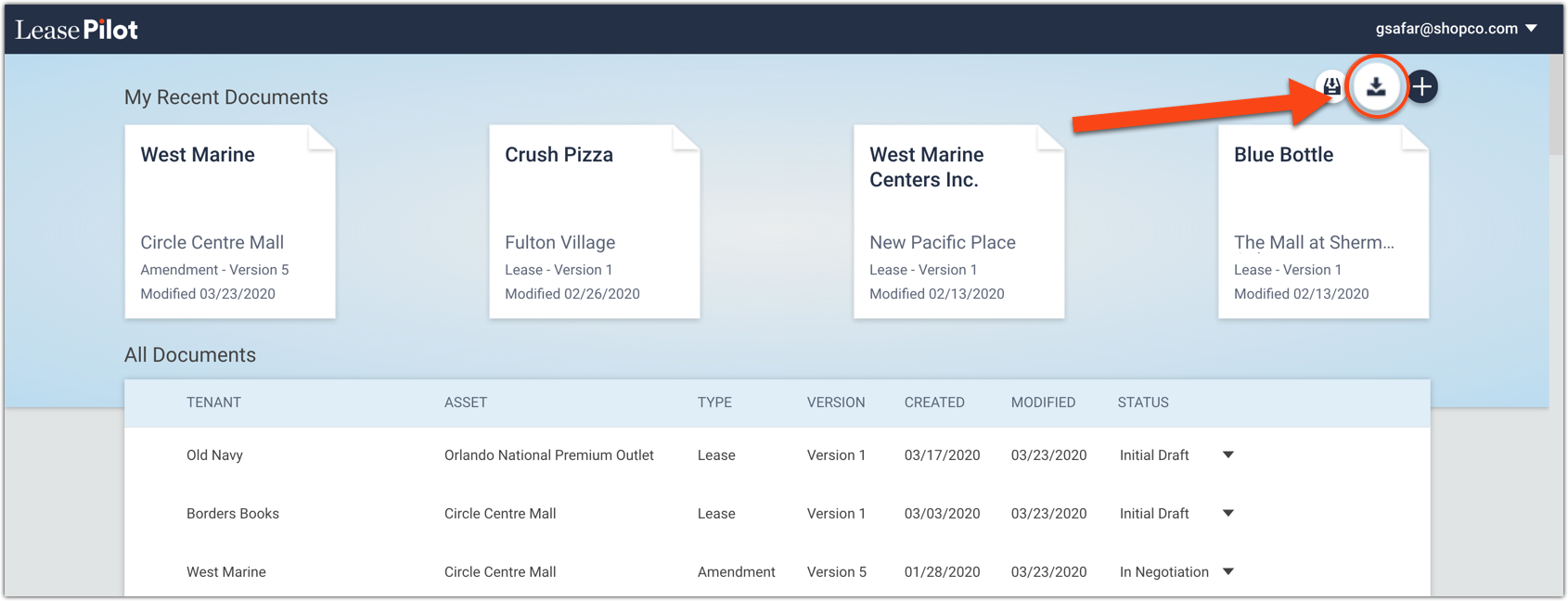
A closeup of the icon:

Note: Customers that do not have a blank form set up in LeasePilot will not see this icon. If you'd like to add a blank form to your LeasePilot instance, please let us know and we'll get you set up!
If you only have one blank form, your download will begin automatically after clicking the button. If you have more than one form in LeasePilot, clicking the Download Blank Form button will trigger a dropdown list of all your available forms:
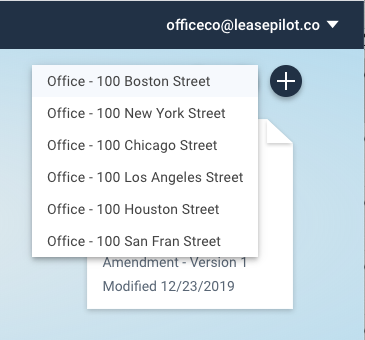
Simply click on the form you'd like to download as an MS Word document and the download will begin automatically.
Comments
0 comments
Please sign in to leave a comment.