A second draft workflow in LeasePilot looks a lot like what you're probably already used to - you're only working off of your own form at all times and using the tenant's redlines as a reference form. Here's how you can work the same way in LeasePilot.
Second Draft Workflow in LeasePilot
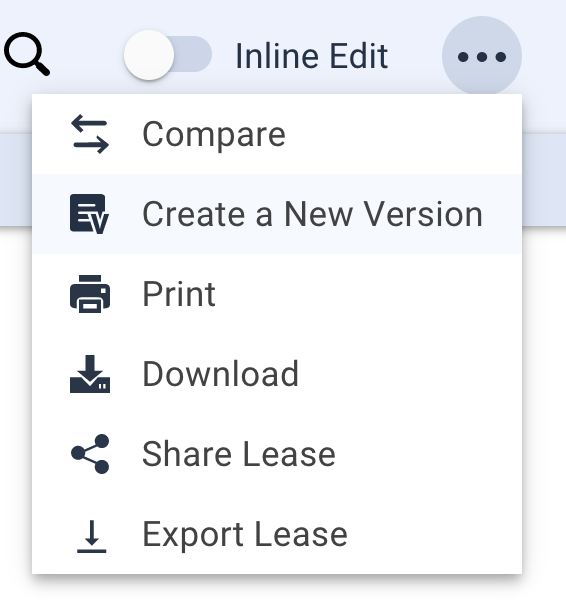
Step 1: upon entering LeasePilot to work on your second draft, enter the lease or amendment you wish to work on and Create a New Version.

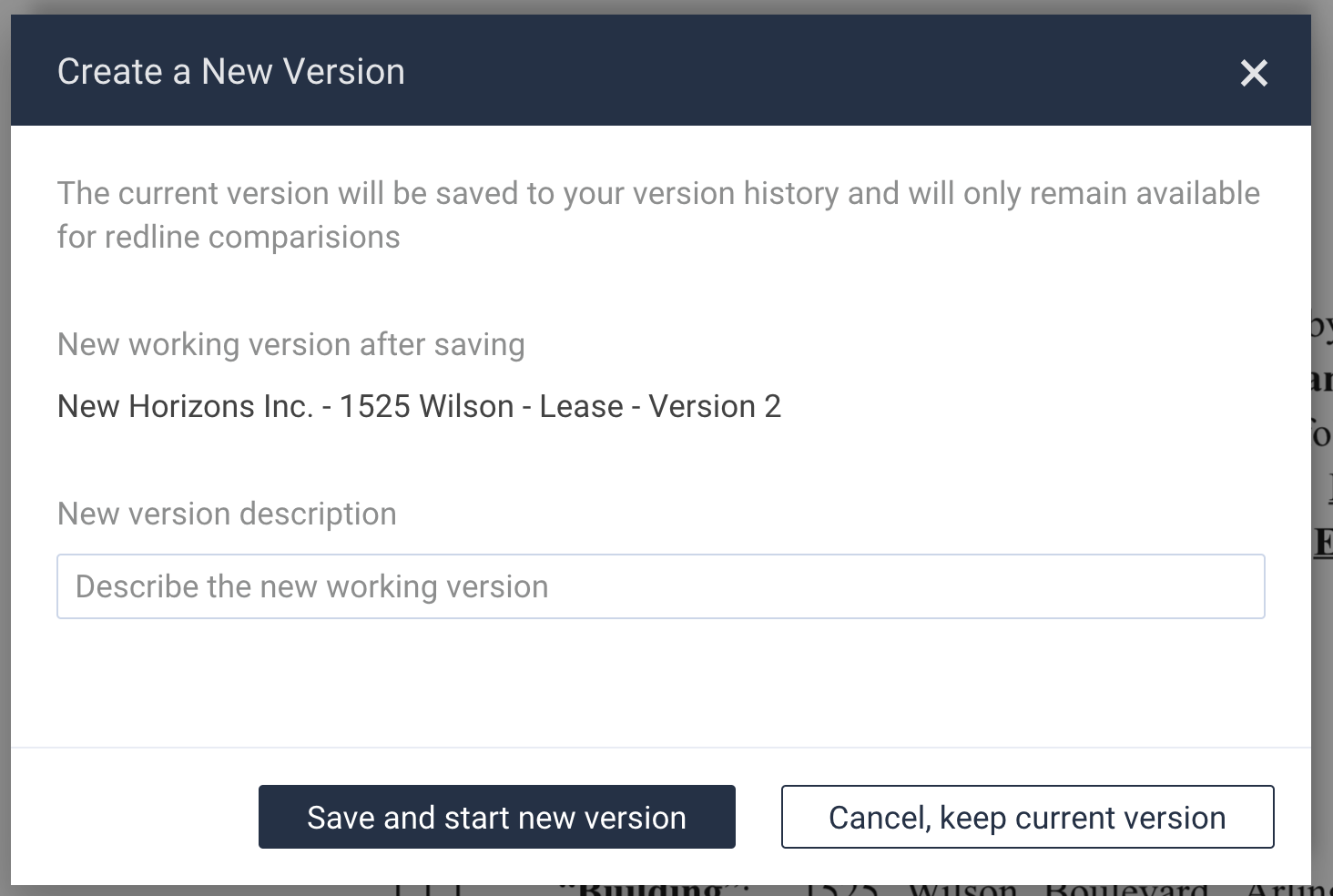
Enter a description for your new version and select Save and start new version. Note: before creating your new version, you will receive a prompt reminding you that your current version will be saved to your version history and only available for redline comparisons. You will not be able to see a previous version as read only or view only. For this reason, we also recommend you download a copy of your current version in Word and save on your internal system for future reference.
Step 2: You will then be working on a new version of your document. On a separate screen, you should have open your tenant's redlines and use that document as a reference for which changes you wish to make to your document in LeasePilot. In those sections you wish to use your own fallback language, make a selection from the left-hand editor to bring in your language, just as you would on a first draft. Do not forget that you can copy and paste from your tenant document or type right into your LeasePilot document.
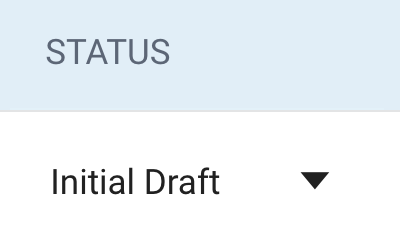
Step 3: You also have the option of changing the status of your document so that you and other users in your company know the stage of the document. You can do this in one of two ways: (1) from the Dashboard, or (2) right from the document itself.
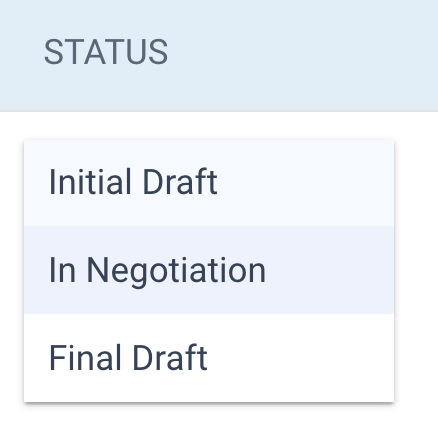
Note: depending on your company's configurations and whether you have any integrations, you may have different statuses from which to choose.
Second Draft Limitations
As with any application, there are a few things that LeasePilot does not support at this time as it relates to your second draft workflow:
- The ability to upload a tenant's redlines and accept/reject the changes.
- Uploading the entirety of your fallback clauses or clause book into LeasePilot; even those used infrequently.
Comments
0 comments
Please sign in to leave a comment.